
Back to Business Automation & CRM
Demo ProjectHome Services
SERVICEDESK
SERVICEDESK shows how a roofing enquiry can be captured, acknowledged and passed to your team the moment it comes in.
 (opens the full-size image in a new tab)
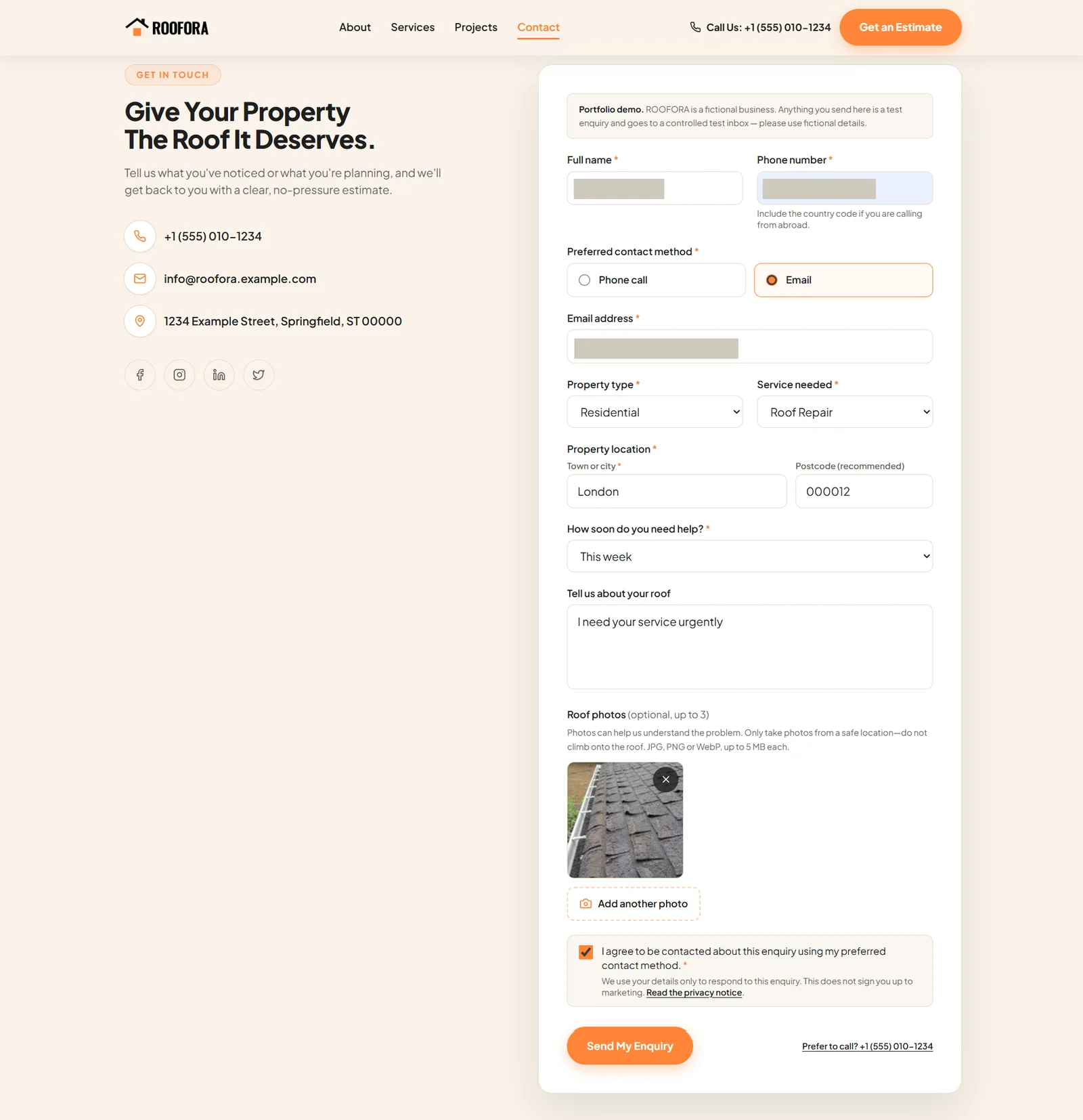
The roofing request form, with optional photo upload. Personal details are hidden. 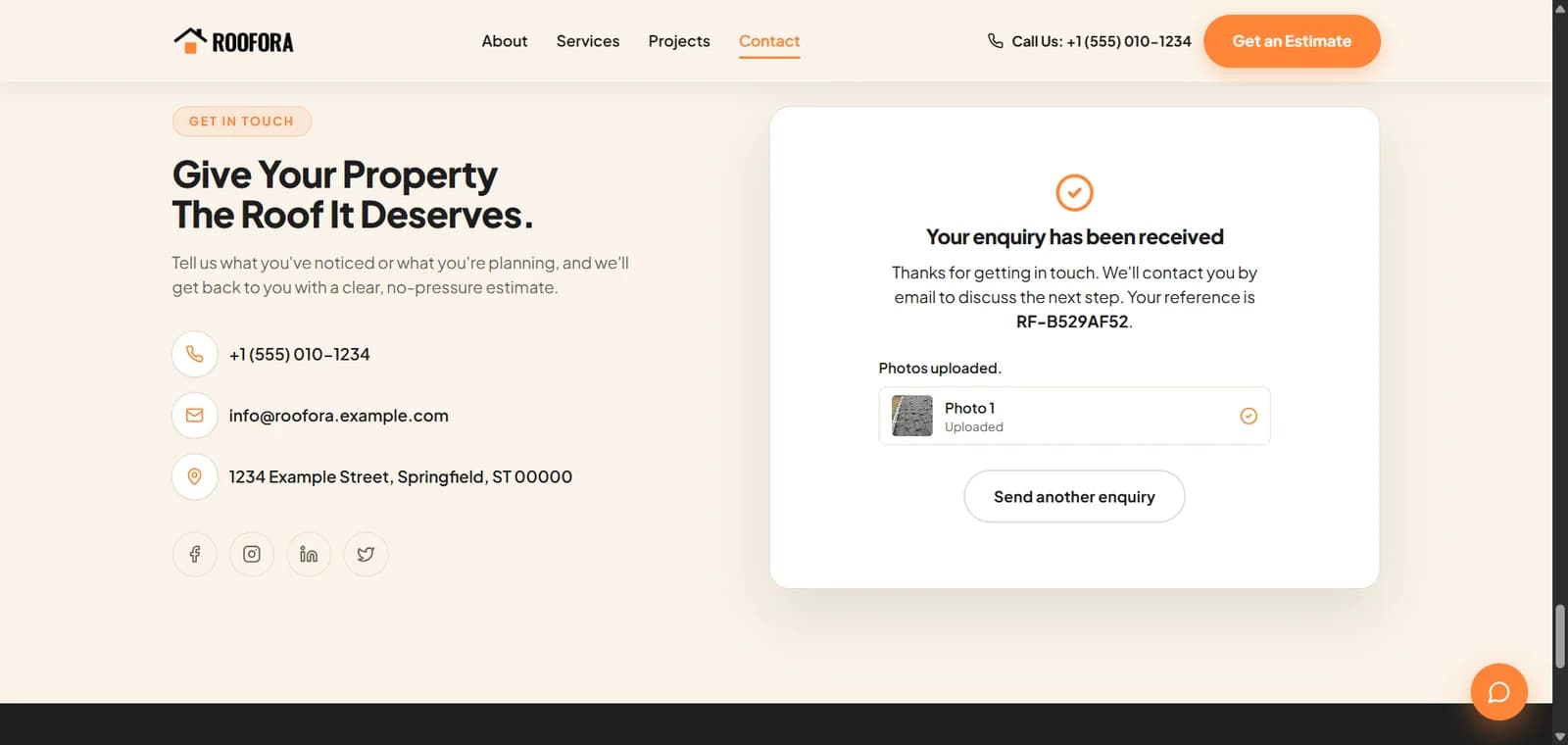 (opens the full-size image in a new tab)
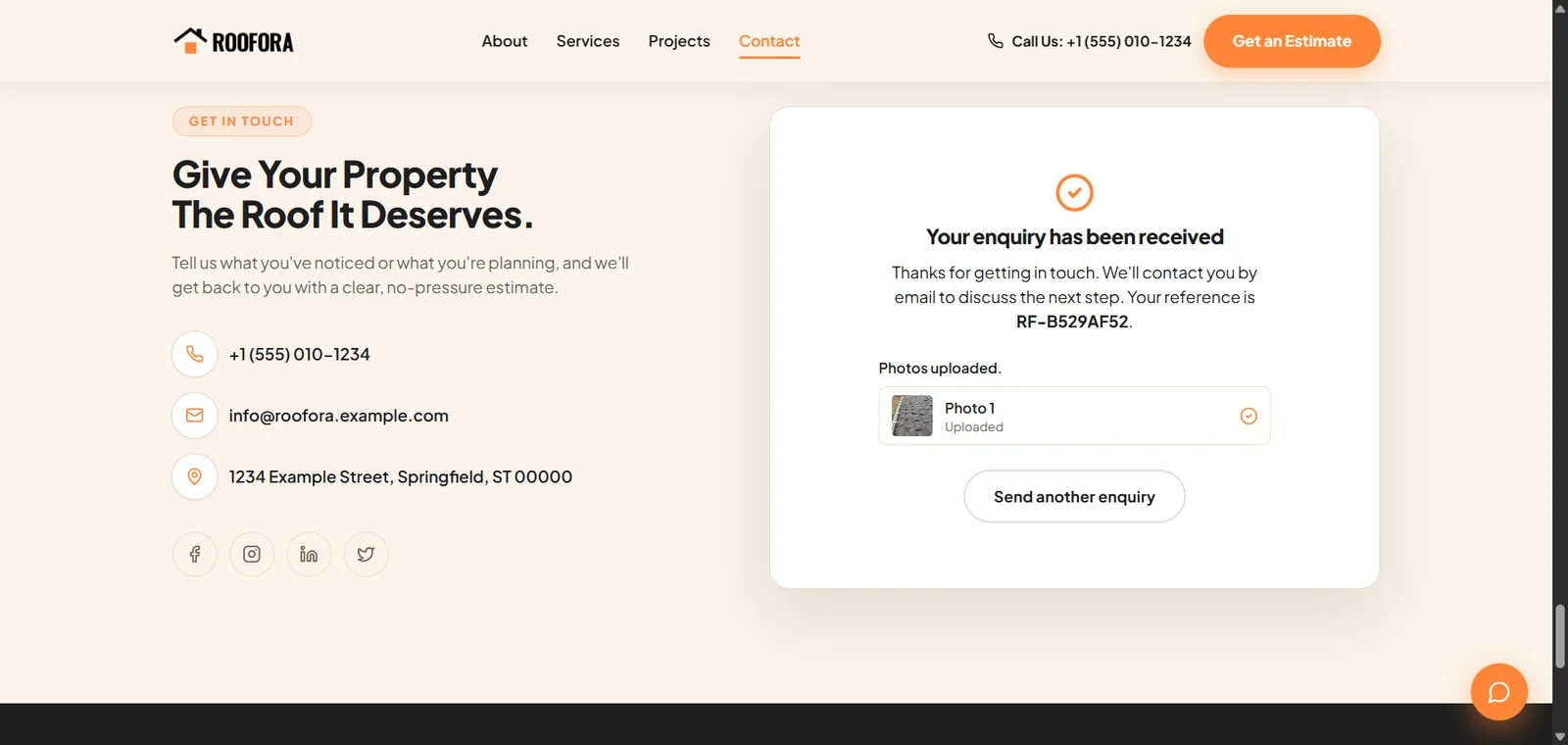
The customer sees a confirmation with a reference number. 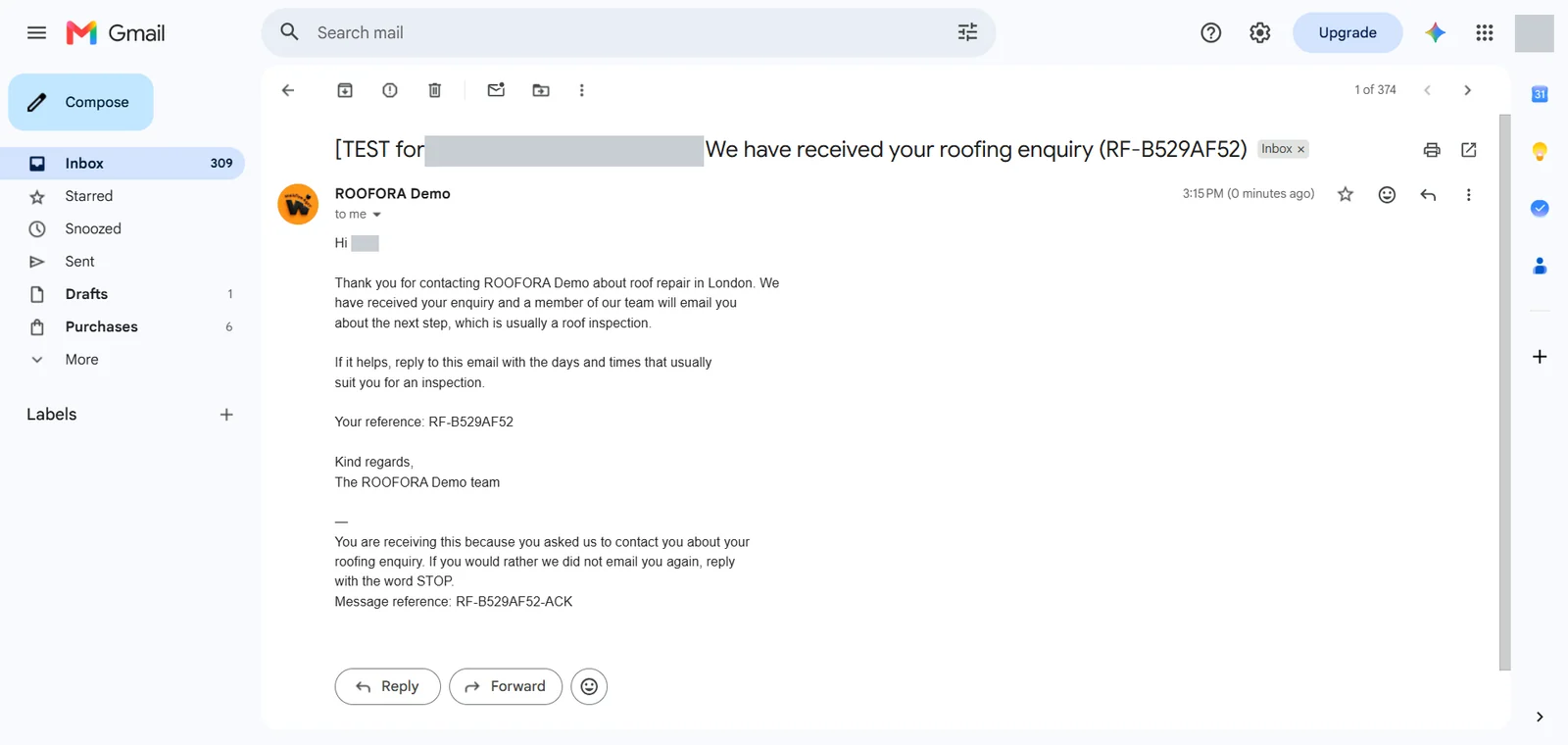 (opens the full-size image in a new tab)
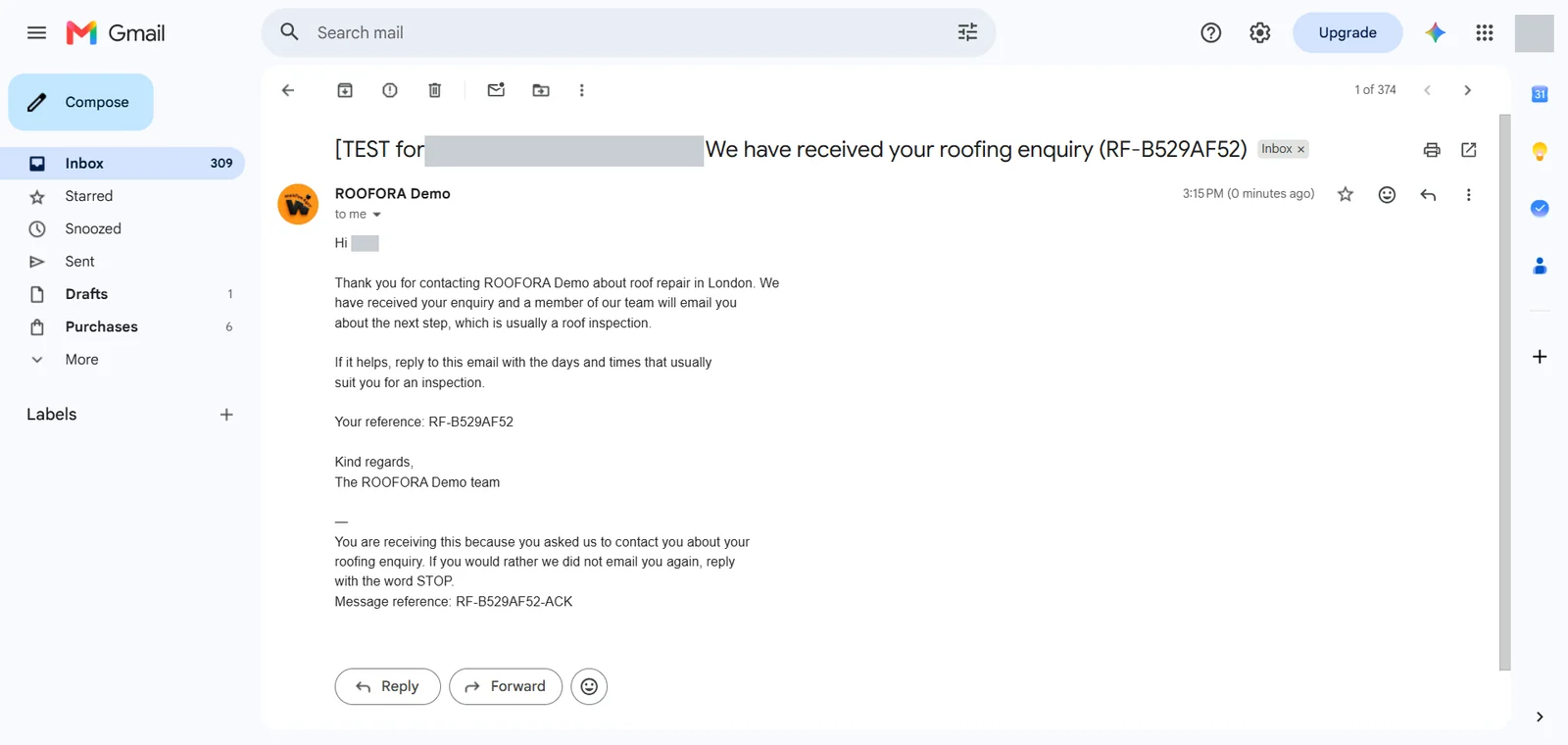
The acknowledgement email to the customer. Personal details are hidden. 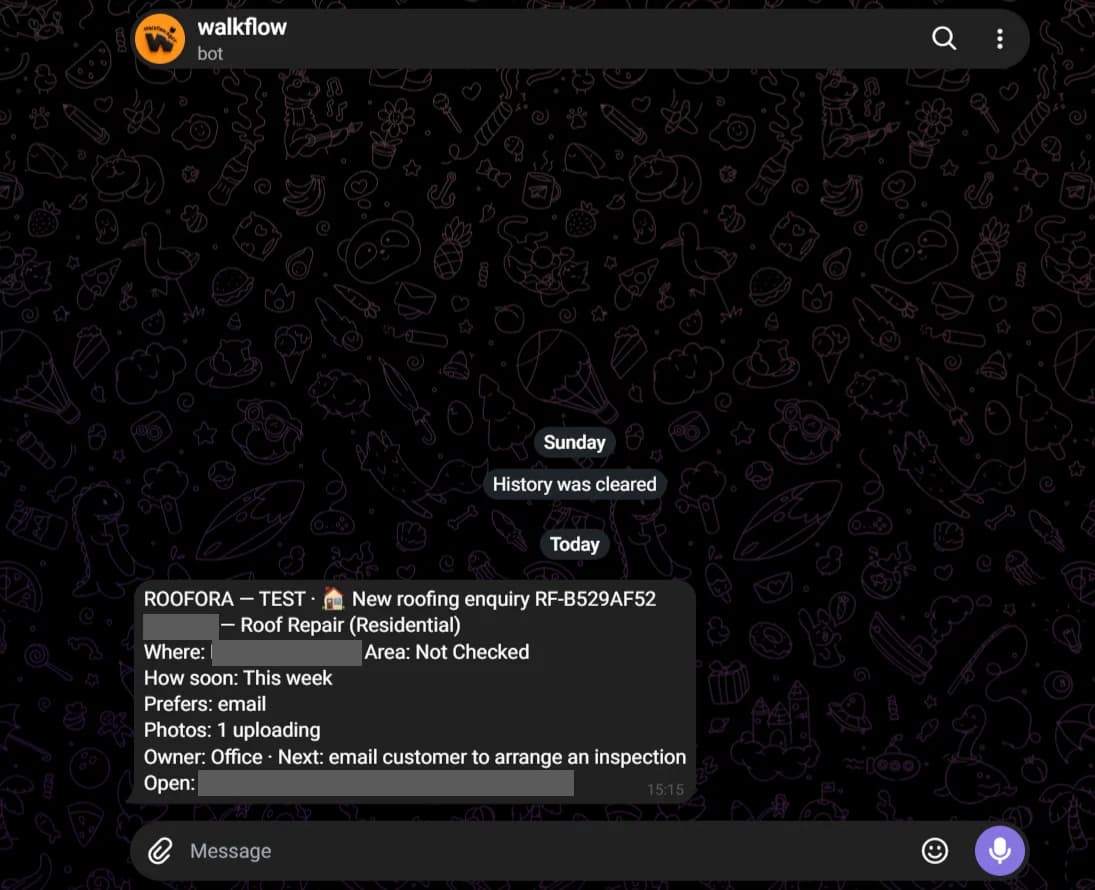 (opens the full-size image in a new tab)
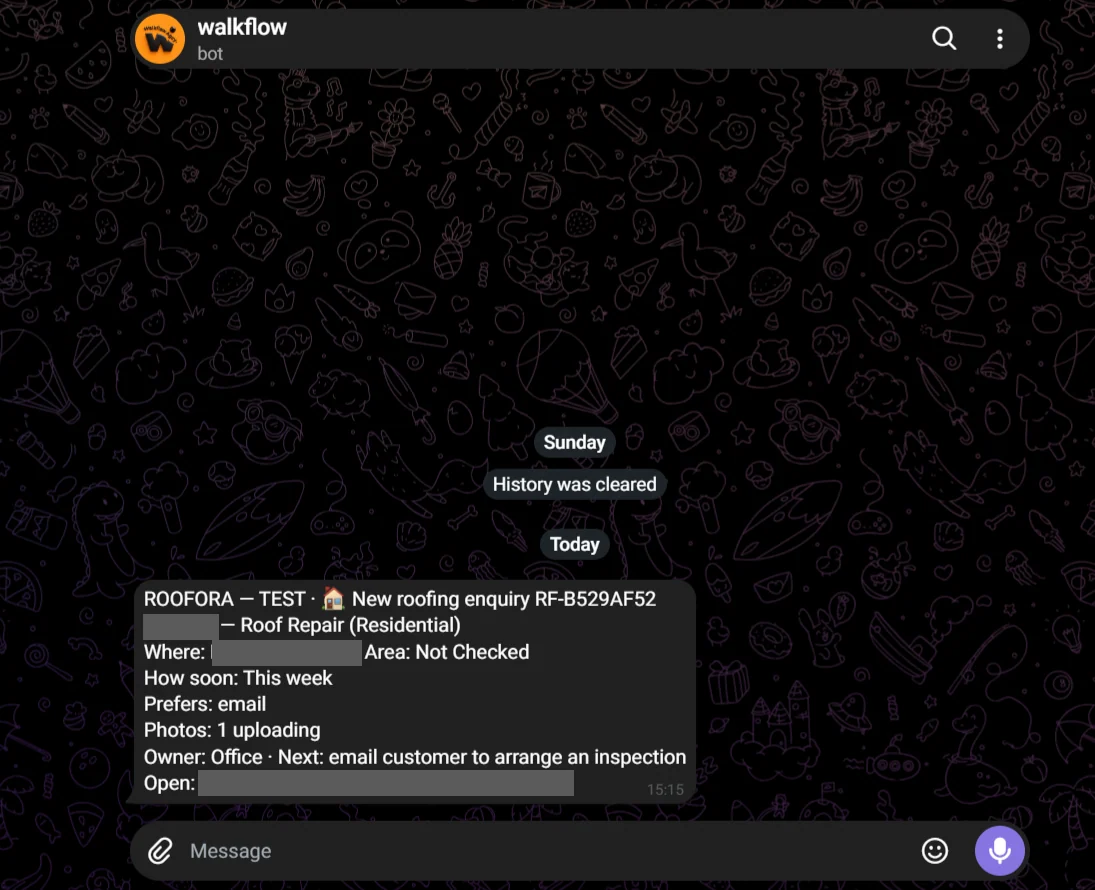
The instant Telegram alert for the team. Personal details are hidden. 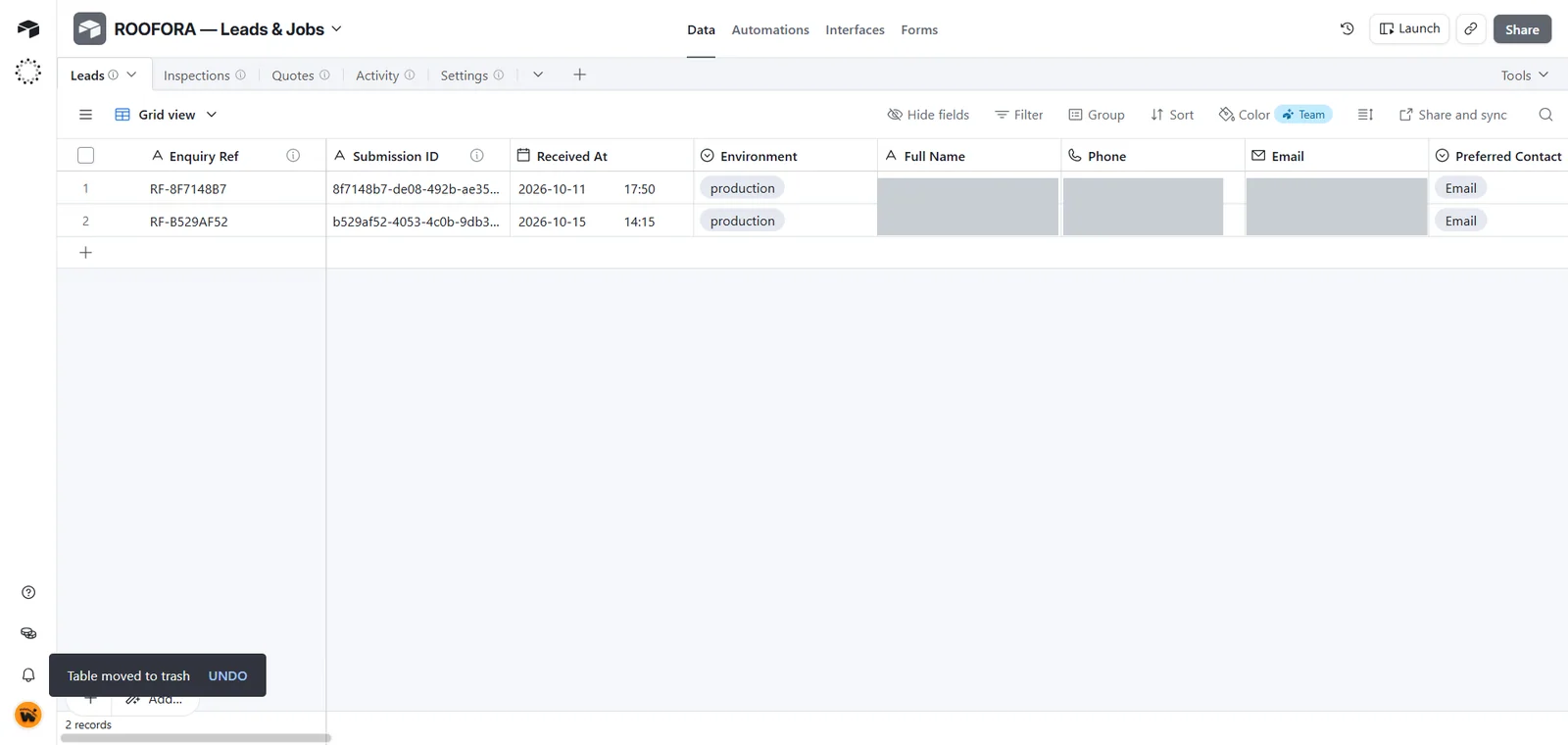 (opens the full-size image in a new tab)
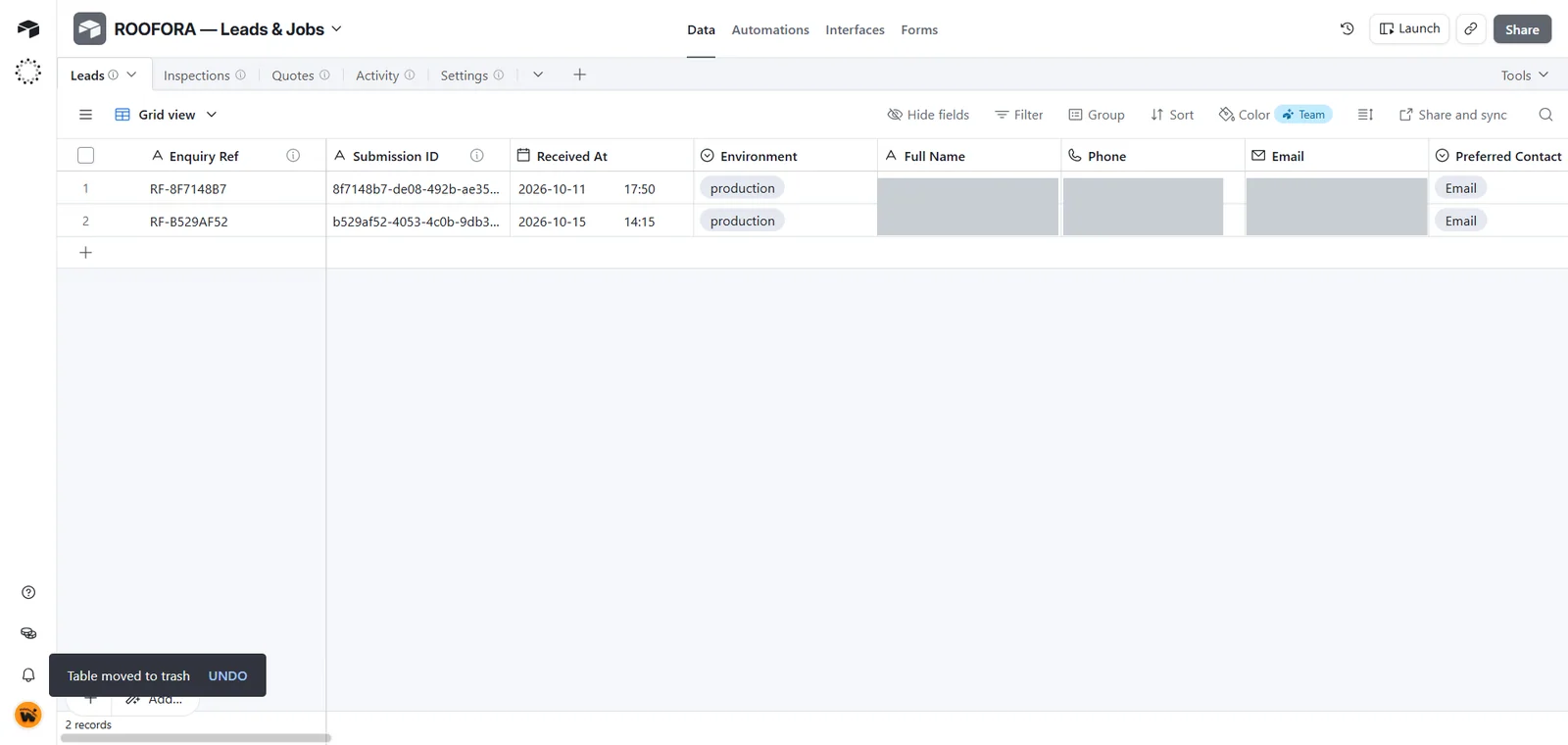
Requests are saved in Airtable, with tables for inspections, quotes and activity. Personal details are hidden. 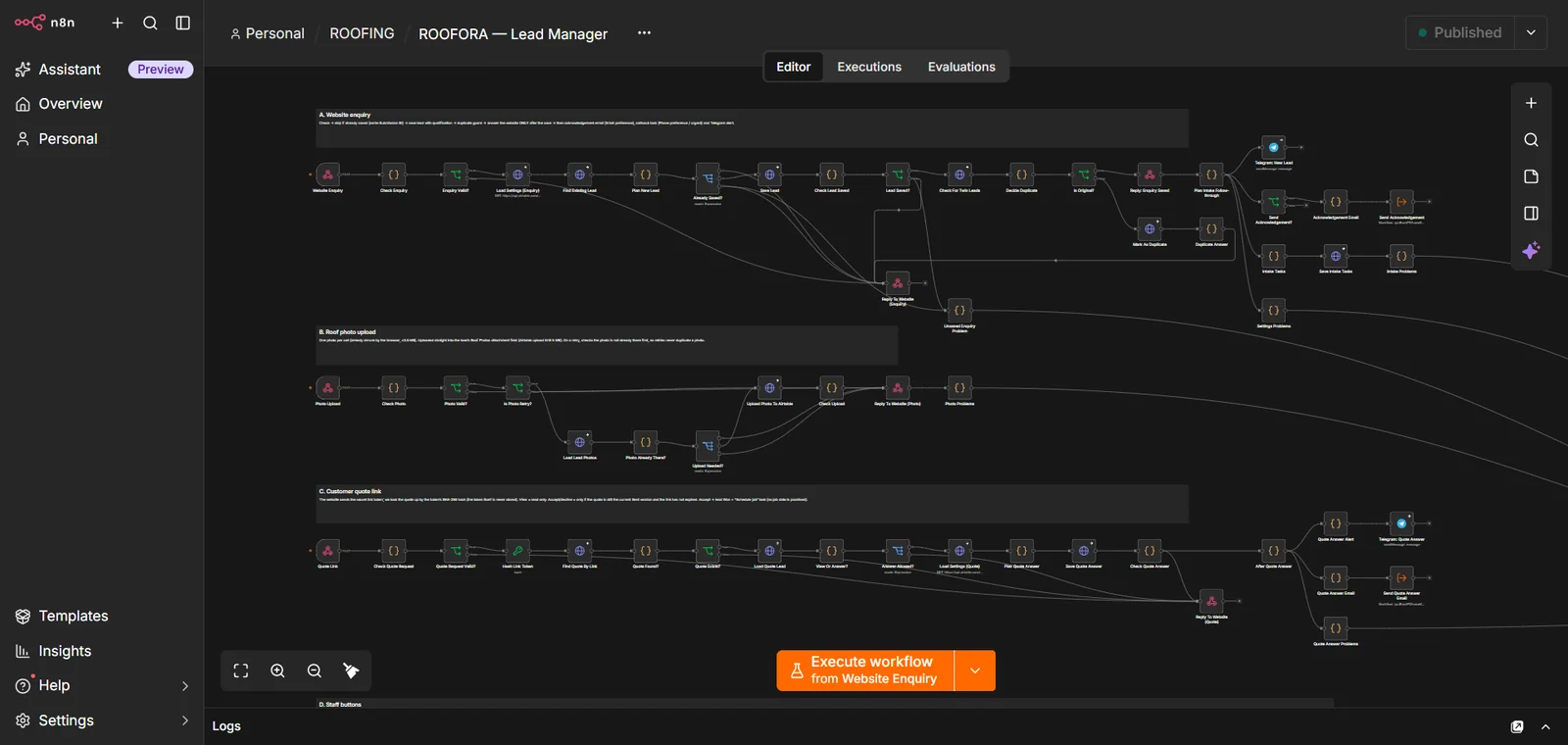 (opens the full-size image in a new tab)
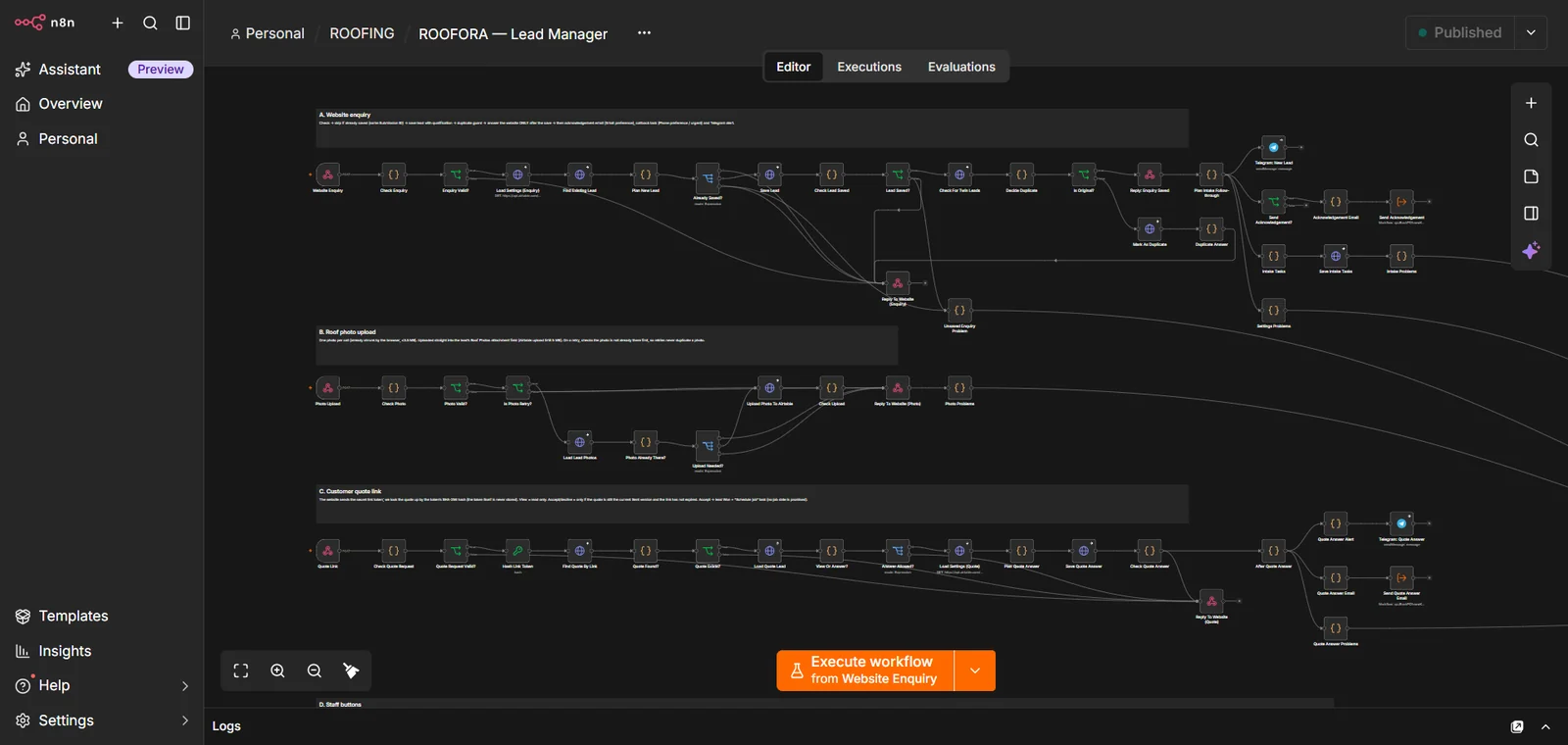
The lead-manager workflow in n8n. 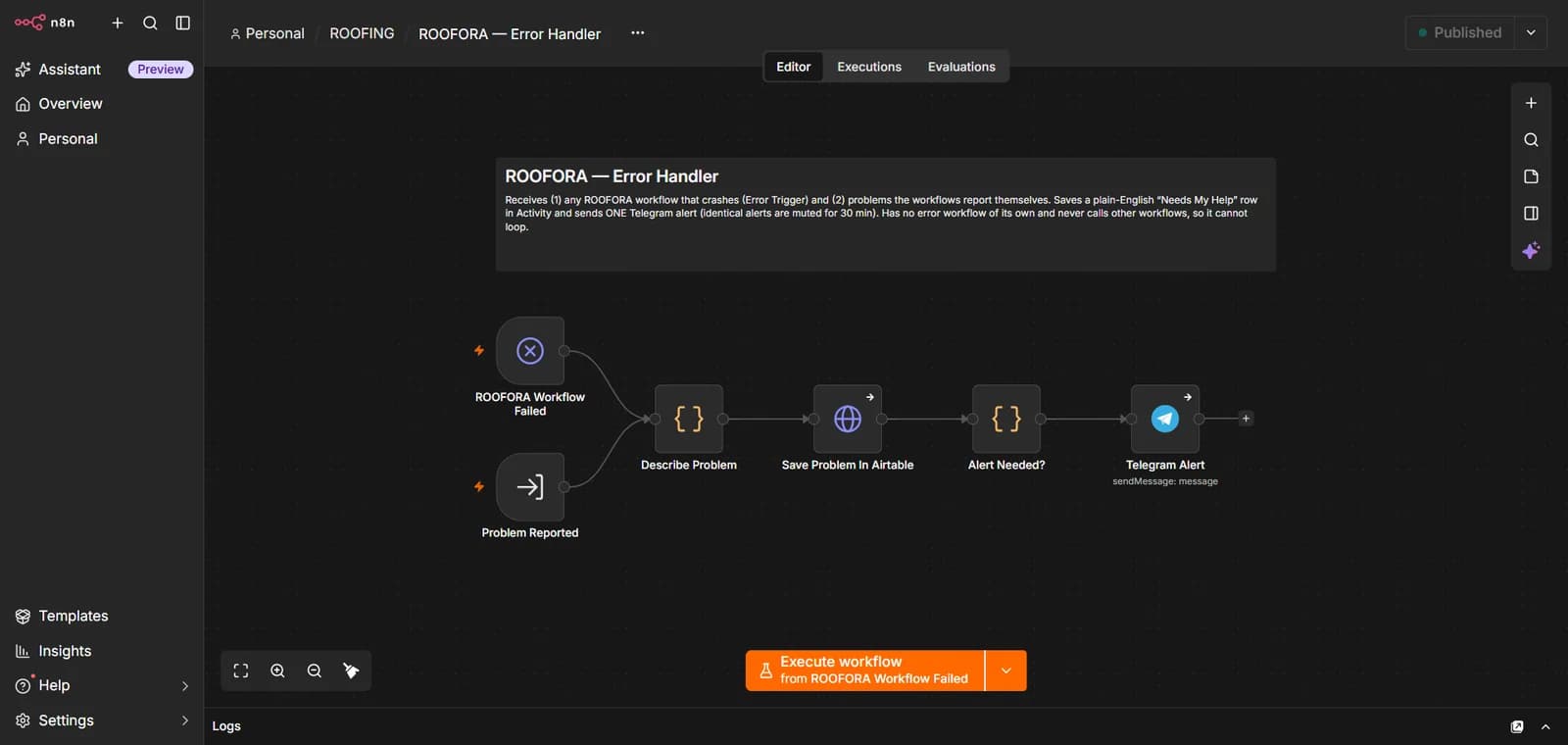 (opens the full-size image in a new tab)
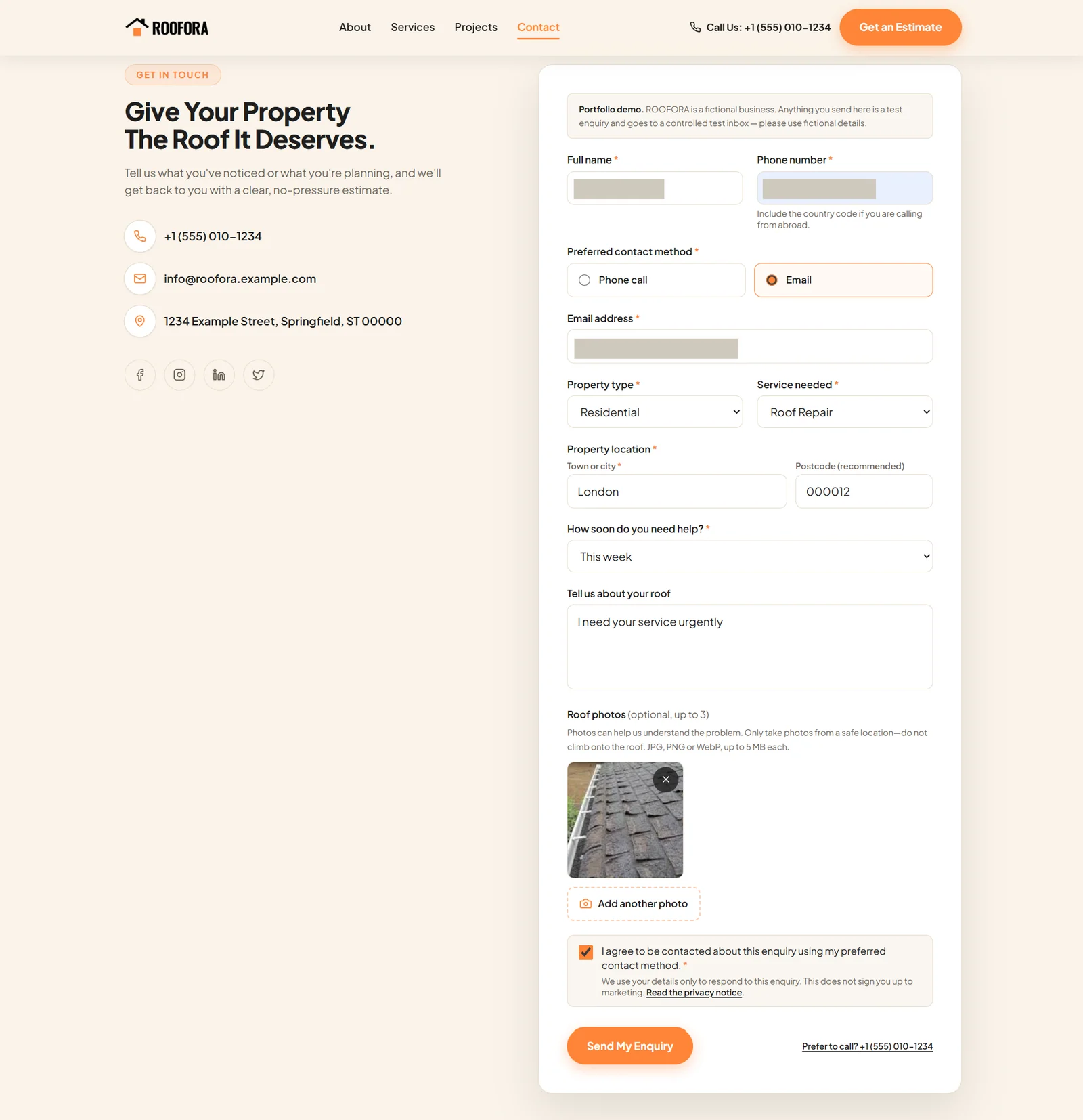
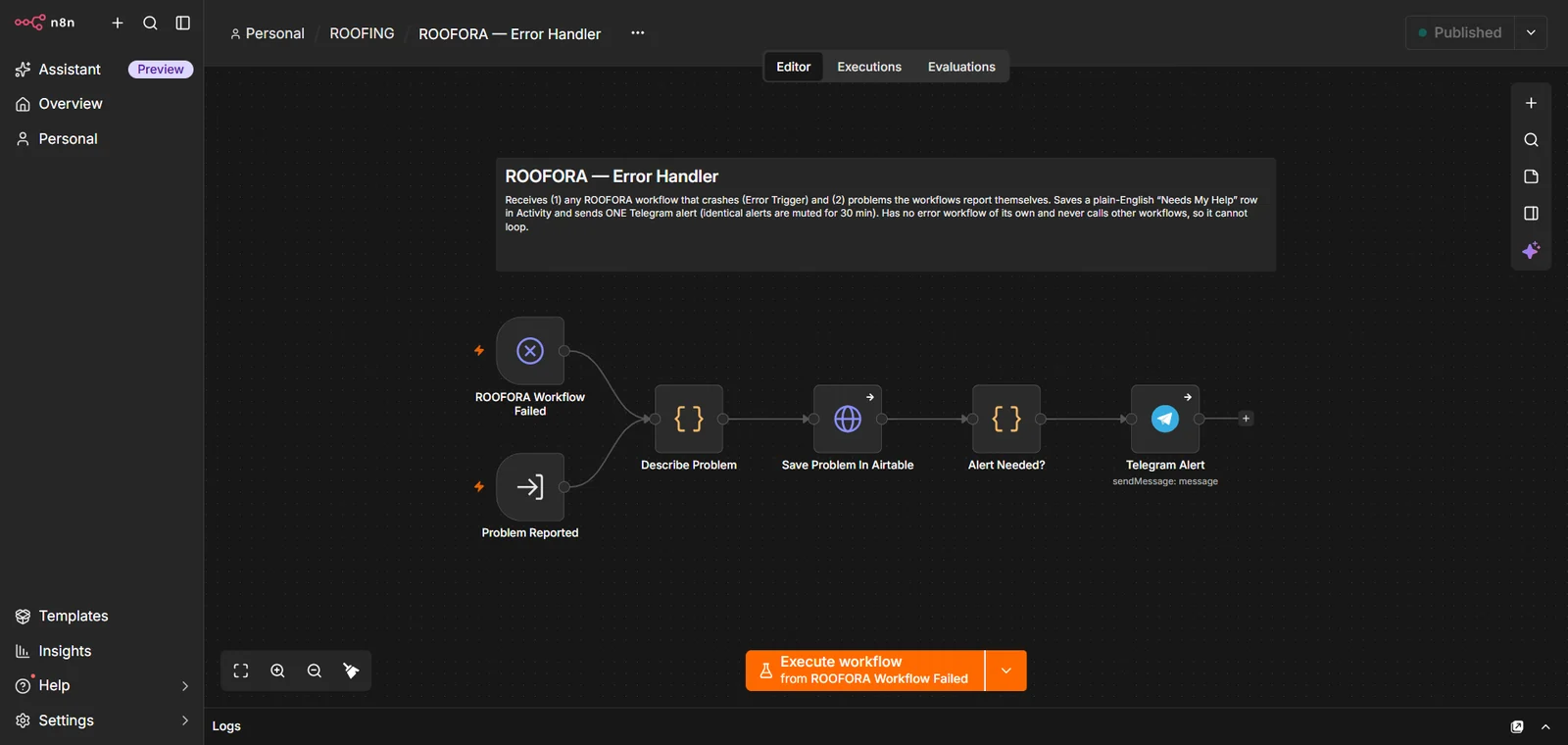
A separate error workflow records problems and sends an alert.
The Problem
Service requests can arrive with missing details, and photos and notes end up scattered. Customers wait for a reply while the team works out who owns the job and what happens next.
The Solution
SERVICEDESK gathers each request in one structured form, including the type of work, location, urgency, preferred contact method and optional photos, then keeps everyone informed. Inspections and quotes stay with your team.
- The customer submits a request on the website and can upload photos.
- They receive an acknowledgement email with a reference number, and a team member follows up by email to arrange the next step.
- Your team gets an instant Telegram alert showing the job, location, urgency, owner and next step.
- The request is saved in Airtable, alongside tables for inspections, quotes and activity, so progress is easy to track.
- A separate error workflow records any problem and sends an alert.